> ## Documentation Index
> Fetch the complete documentation index at: https://fillout-005a867b-dependabot-npm-and-yarn-socket-io-parser-4.mintlify.site/llms.txt
> Use this file to discover all available pages before exploring further.
# View external form dependencies
> View Airtable, Notion and other integration dependencies all in one place to prevent outages when your schemas change. Easily track which forms rely on which external fields.
## Overview
One of the biggest risks of using no-code tools like Airtable, Notion and Salesforce is outages from unexpected schema changes. For example, you might delete a field in Airtable but forget to update a downstream tool that relies on that field.
To mitigate this problem, Fillout offers a **dependency tracker**, a single view of which external fields all of your forms rely on.
## What are external dependencies
**External dependencies** are additional components or libraries that are not inherently part of the form builder dashboard but are utilized to enhance or extend its functionality. These are 3rd-party integrations used in your forms like Airtable databases.
This feature is only available on Fillout's [Enterprise plan](https://fillout.com/enterprise).
## How to view dependencies
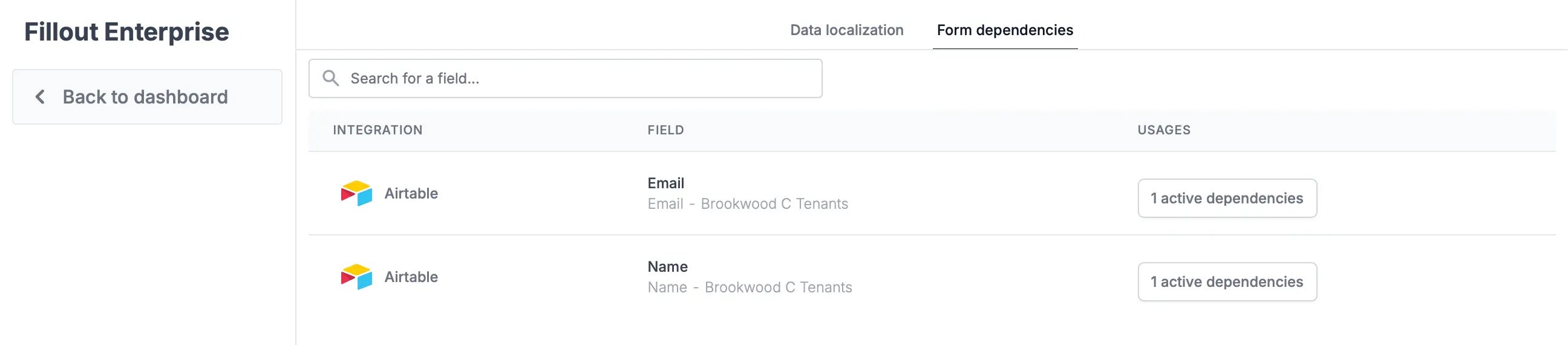
From the dashboard, click your `Account name` in the upper left corner followed by `Fillout Enterprise`. Navigate to **Form dependencies** on the top menu. Here, you’ll see a list of every external field that your forms rely on.
 ## See which forms rely on a particular field
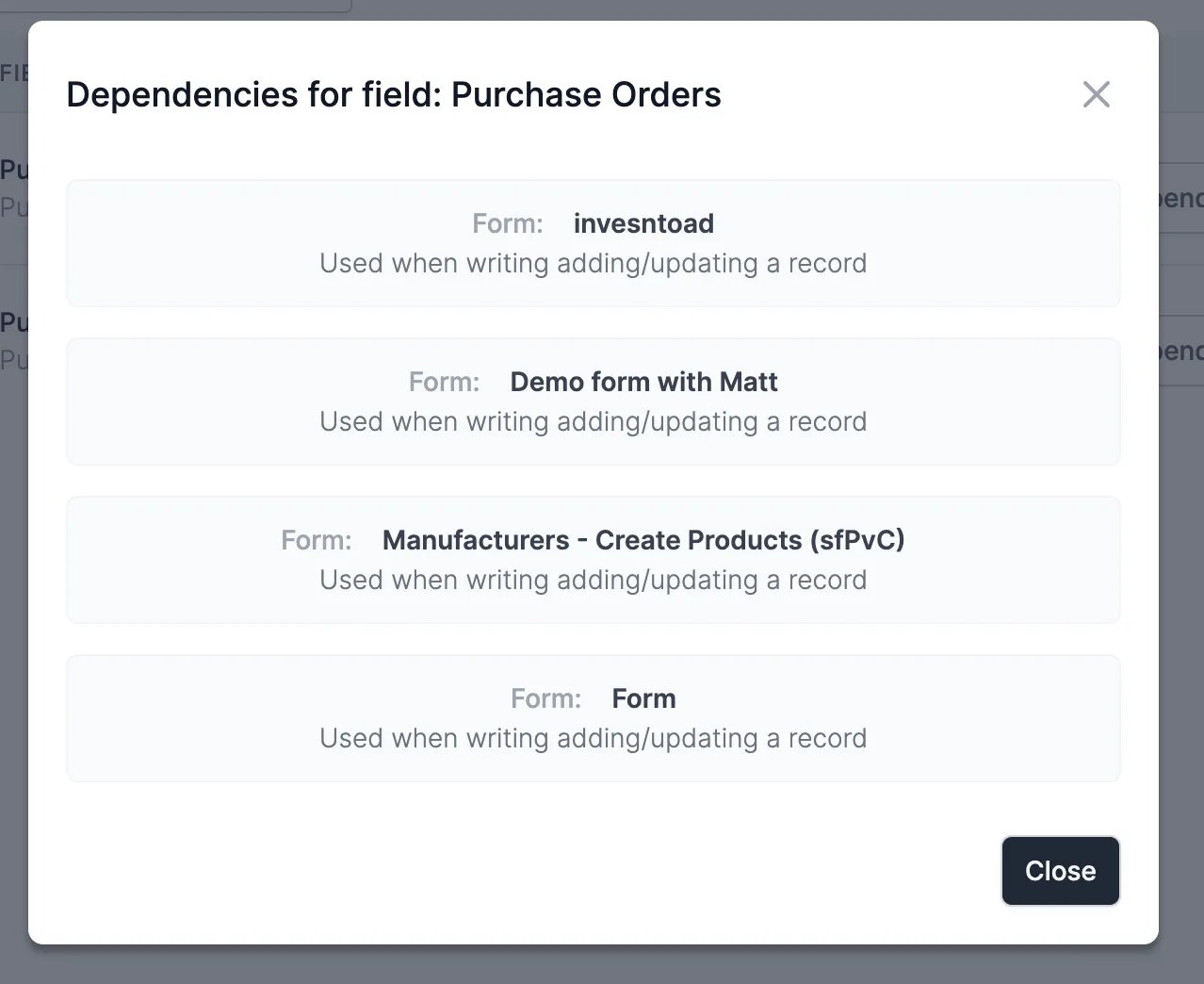
Search for the field you’re interested in and click on the number of active dependencies.
## See which forms rely on a particular field
Search for the field you’re interested in and click on the number of active dependencies.
 A popup will appear showing exactly **which forms** rely on that field and where they use the field.